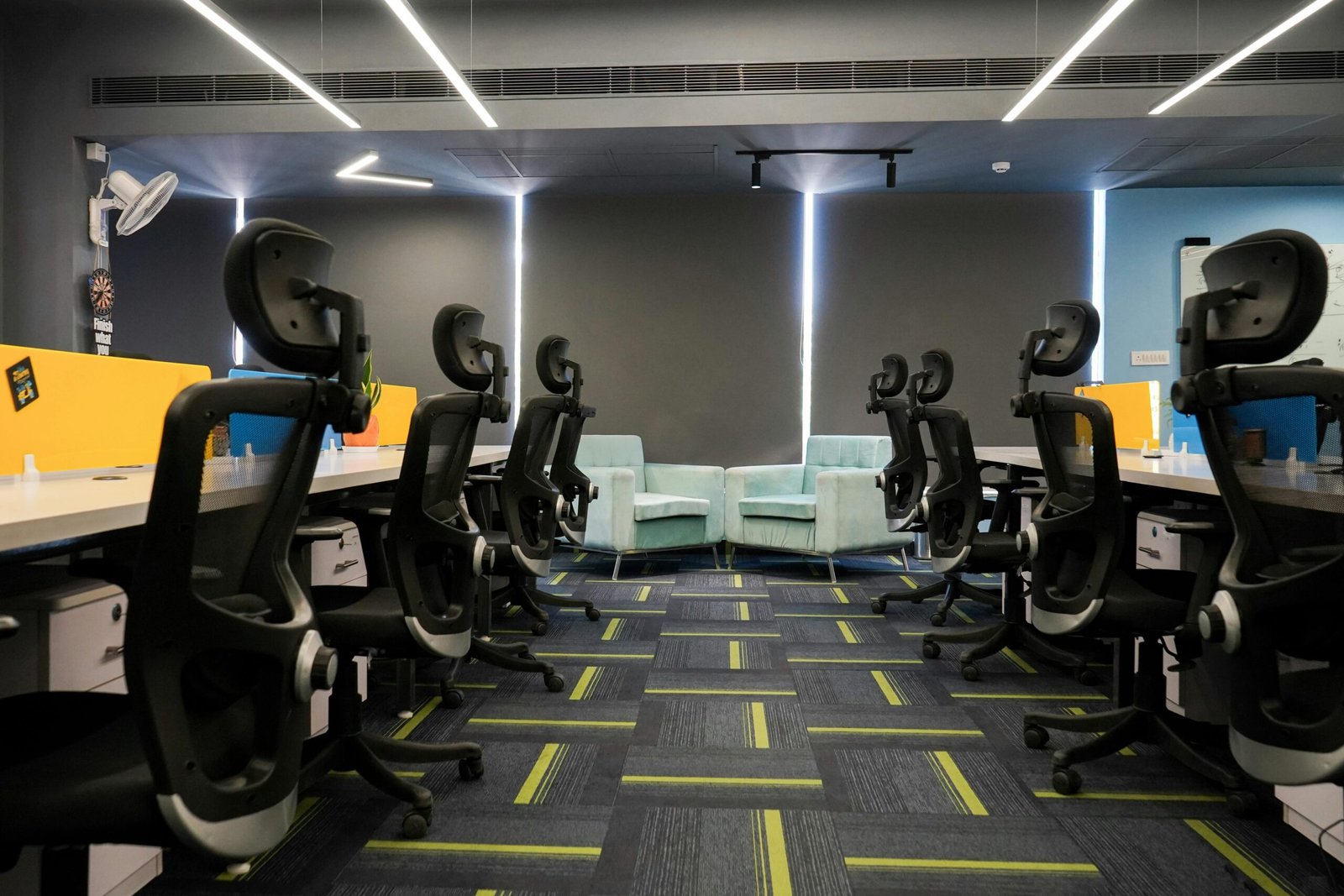
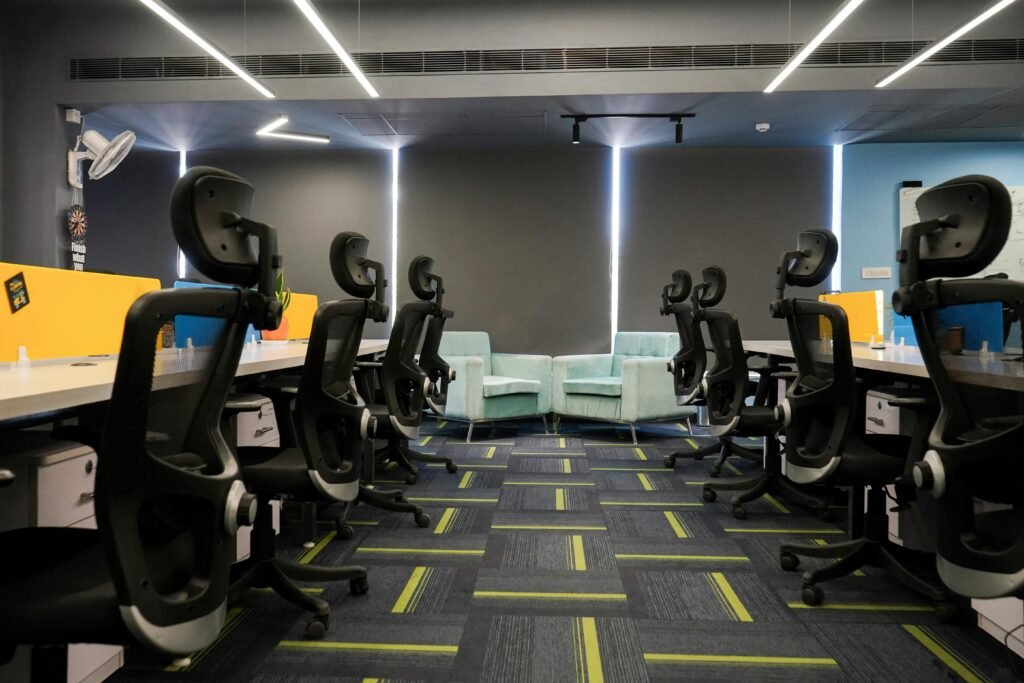
Modern ergonomic home office setup with adjustable office chair
Introduction
If you sit for hours at a time, your chair matters more than most people realize. A chair that fits your body well can reduce fatigue, support better posture, and make long work sessions easier to manage. A chair that doesn’t fit can quietly create daily discomfort, especially in your lower back, shoulders, and hips.
This guide breaks down what actually matters when choosing an ergonomic chair for long work hours, what to ignore, and how to pick a chair that matches your body and your workspace.
What “Ergonomic” Really Means
A chair is ergonomic when it can be adjusted to support your body in a neutral, balanced position. The key word is adjustable. A chair that feels comfortable for ten minutes but can’t be tuned to your height and posture often becomes uncomfortable over time.
A good ergonomic chair should help you:
keep your feet grounded
keep your hips supported
maintain natural spinal alignment
rest your shoulders without tension
change posture during the day without fighting the chair
Start With Fit: Height, Seat Depth, and Back Support
Before you compare brands or fancy features, focus on basic fit.
Seat height
Your feet should rest flat on the floor with your knees close to a 90-degree bend. If the chair is too high, it increases pressure behind the knees. If it’s too low, it can strain your hips and lower back over time.
A quick check: when you sit back comfortably, your thighs should be roughly level and your feet should feel stable.
Seat depth
Seat depth is how far the seat extends under your thighs. If the seat is too deep, the edge can press into the back of your legs. If it’s too shallow, you may feel like you’re sliding forward or not fully supported.
A simple rule: you should have about two to three fingers of space between the front edge of the seat and the back of your knee.
Lumbar support
Lumbar support matters most for long sitting. The goal is not a “hard bump” in your back. It’s support that follows the natural curve of your spine and reduces slouching.
If lumbar support is adjustable (up/down, in/out), you can position it where your back actually needs it, not where the chair designer assumed everyone’s spine sits.
Mesh vs Cushion: Which Is Better for Long Hours?
This is one of the most common questions, and the answer depends on your comfort needs and climate.
Mesh chairs
Mesh tends to be cooler and more breathable, which is helpful if your workspace gets warm or you sit for long stretches. A well-made mesh chair can also feel supportive without being stiff, but cheap mesh can lose tension over time.
Cushioned chairs
Cushioned seats can feel more comfortable at first, especially if you prefer a softer feel. But overly soft padding can encourage poor posture if it collapses or causes you to sink. For long work hours, you want cushioning that supports you without swallowing you.
In general: choose mesh if you run hot or want breathability. Choose quality cushioning if you want a softer feel but still need structure.
Armrests: Helpful or Annoying?
Armrests are useful when they reduce shoulder strain. They become annoying when they’re too high, too low, or force your arms away from your desk.
For long work hours, look for armrests that adjust:
- up and down (height)
- in and out (width)
- forward and back (depth), if possible
A simple check: your shoulders should feel relaxed, not lifted. Your elbows should rest lightly, not press down hard.
If you work close to your desk, bulky armrests can get in the way. That’s why adjustability matters.
Headrest: Do You Really Need One?
A headrest can be helpful if you:
- recline often
- deal with neck fatigue
- like leaning back between tasks
But many people don’t use a headrest all day. If it forces your head forward, it can create neck tension instead of relief.
If you choose a chair with a headrest, look for one that adjusts in height and angle. Otherwise, it may be more decoration than support.
Recline and Movement Matter More Than You Think
One reason people get sore during long work days is not just poor posture, but lack of movement. Even a “perfect” posture becomes uncomfortable if you hold it all day.
A chair that allows gentle movement helps reduce stiffness. Look for:
- smooth recline
- tilt tension control
- a stable base (so the chair doesn’t feel wobbly when you shift)
The goal is to make it easy to change posture, not lock yourself upright for hours.
Match the Chair to Your Work Setup
Your chair doesn’t work alone. It interacts with your desk, monitor, and keyboard position.
A chair can feel “wrong” simply because:
- the desk is too high
- the monitor is too low
- you don’t have room to sit close
If you use a laptop without a stand, you may lean forward all day. If your desk height is off, you may raise your shoulders without realizing it.
That’s why chair choice is easier when you think in terms of a full setup, not one product at a time.
Common Mistakes People Make When Buying
Here are a few mistakes that lead to regret:
- Choosing based only on looks
- Buying a chair with limited adjustability
- Ignoring seat depth and lumbar fit
- Assuming “soft” means “supportive”
- Using an ergonomic chair with a poorly positioned desk and monitor
A chair can support you, but it can’t fix a setup that forces bad posture.
Quick Checklist: What to Prioritize
If you’re choosing one chair for long work hours, prioritize:
- adjustable seat height
- supportive lumbar design
- comfortable seat depth
- adjustable armrests
- stable base and smooth recline
- materials that match your climate and comfort preferences
Where to Start if You Want Recommendations
If you want a curated shortlist, we’ve already broken down our top picks and who each chair is best for.
See our Best Ergonomic Chairs guide here.
Final Thoughts
There isn’t one perfect ergonomic chair for everyone. The best choice is the chair that fits your body, supports your spine, and works with your desk setup. When you focus on fit and adjustability first, you avoid most of the problems that lead to discomfort later.